Subscribers
A subscriber represents your actual customer. It provides a central object for managing customer data and processing subscription payments.
Typically, you will store additional information on the subscriber object, such as:
- Address details
- An
external_idthat identifies the subscriber in your system
An email address is a required field for every subscriber.
Create a subscriber in the portal
You can create subscribers under Space > Subscriptions > Subscribers — open the subscriber list.
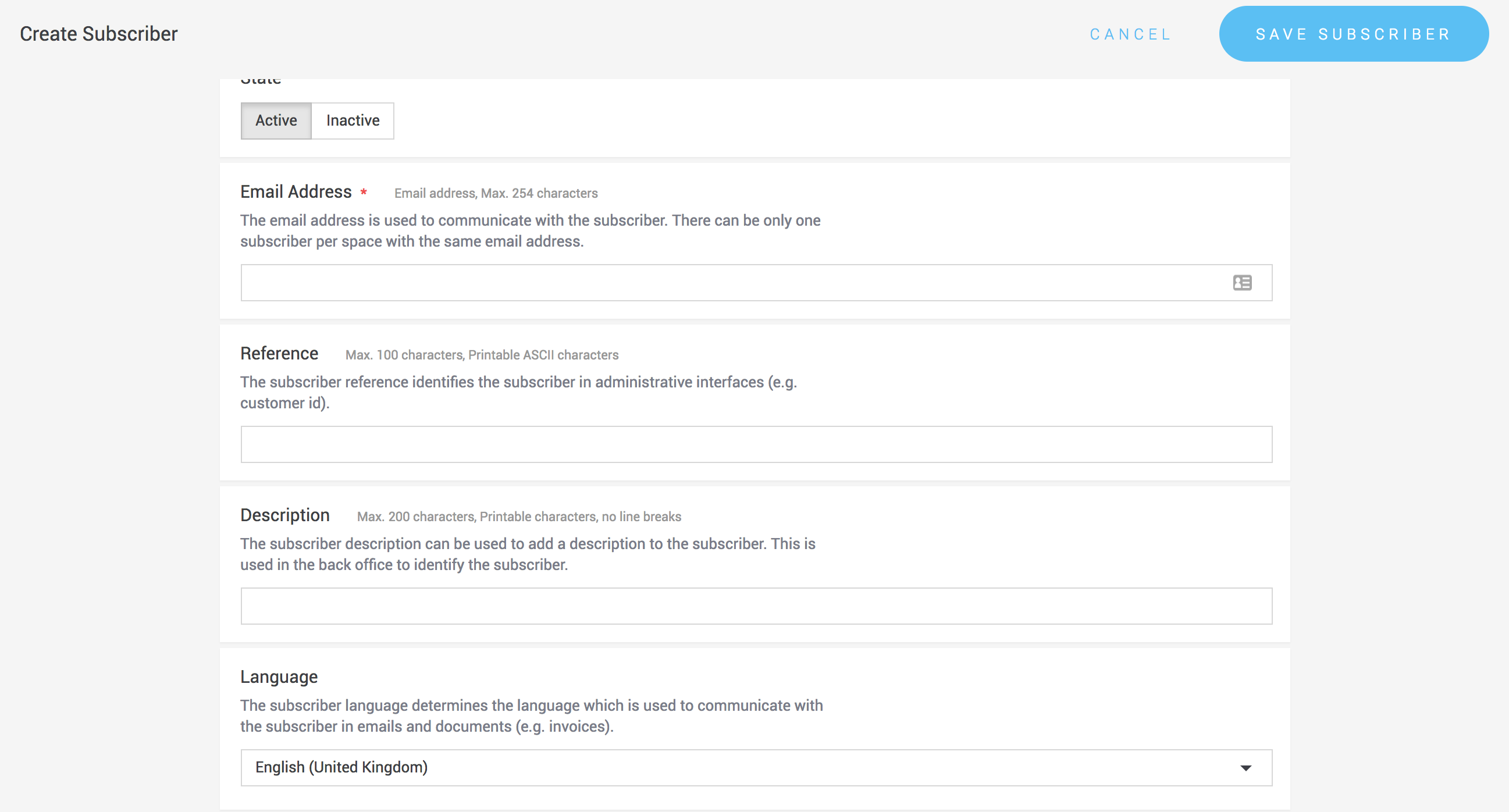
When creating a subscriber, you can explicitly allow or disallow payment methods for that subscriber, overriding the configuration on the subscription product.
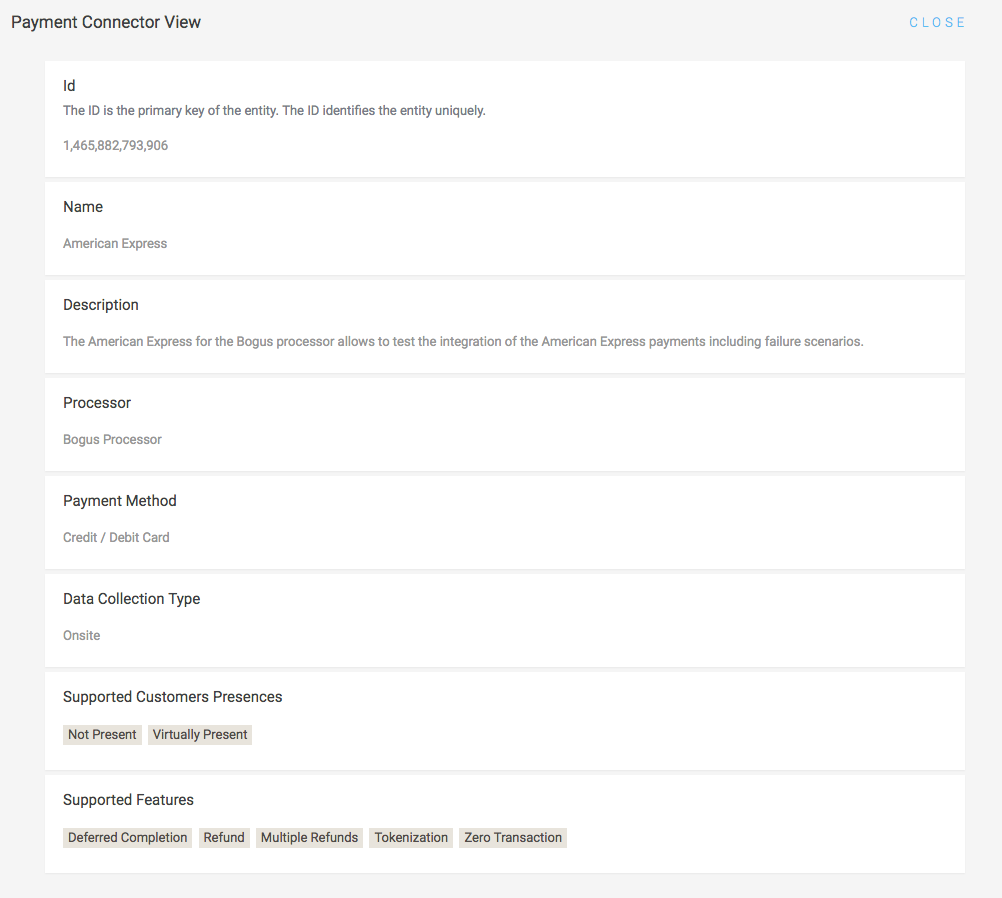
Subscriptions can only use connectors that support tokenization, because the payment details are stored once and charged again later. Whether a connector supports this feature is stated on its connector information page. See also Tokenization.
Provide as much information as possible when creating a subscriber. If additional data is required to process a payment with a specific payment method, it will be requested during the payment process.
Create a subscriber via the API
Subscribers can also be created using the Subscriber Service of the Web Service API.
Once created, the subscriber can be linked to a subscription (plan) by creating a subscription object.
Example request
{
  "billingAddress": {
    "city": "Winterthur",
    "country": "Switzerland",
    "emailAddress": "jane.doe@example.com",
    "familyName": "Doe",
    "gender": "FEMALE",
    "givenName": "Jane",
    "postcode": "8400",
    "street": "Example Street 47"
  },
  "emailAddress": "jane.doe@example.com",
  "externalId": "customer-nr-101",
  "reference": "customer-nr-101",
  "shippingAddress": {
    "city": "Winterthur",
    "country": "Switzerland",
    "emailAddress": "jane.doe@example.com",
    "familyName": "Doe",
    "gender": "FEMALE",
    "givenName": "Jane",
    "postcode": "8400",
    "street": "Example Street 47"
  }
}
Example response
{
  "additionalAllowedPaymentMethodConfigurations": [],
  "billingAddress": {
    "city": "Winterthur",
    "emailAddress": "jane.doe@example.com",
    "familyName": "Doe",
    "gender": "FEMALE",
    "givenName": "Jane",
    "postcode": "8400",
    "street": "Example Street 47"
  },
  "disallowedPaymentMethodConfigurations": [],
  "emailAddress": "jane.doe@example.com",
  "externalId": "customer-nr-101",
  "id": 1,
  "linkedSpaceId": 1,
  "reference": "customer-nr-101",
  "shippingAddress": {
    "city": "Winterthur",
    "emailAddress": "jane.doe@example.com",
    "familyName": "Doe",
    "gender": "FEMALE",
    "givenName": "Jane",
    "postcode": "8400",
    "street": "Example Street 47"
  },
  "state": "ACTIVE",
  "version": 1
}
Delete a subscriber
In the portal: open the subscriber list under Space > Subscriptions > Subscribers and click the Delete button for the subscriber you want to remove.
Via the API: subscribers can also be deleted through the Subscriber Service.